Introduction
When you press a number on the key pad of a standard telephone, you generate a pair of audible tones, each
with a different frequency. If your phone is connected to a phone line, then these tones let the phone company know what number
you are pressing. As long as the telephone company can identify the two tones, it can identify the digits of the
desired telephone number.
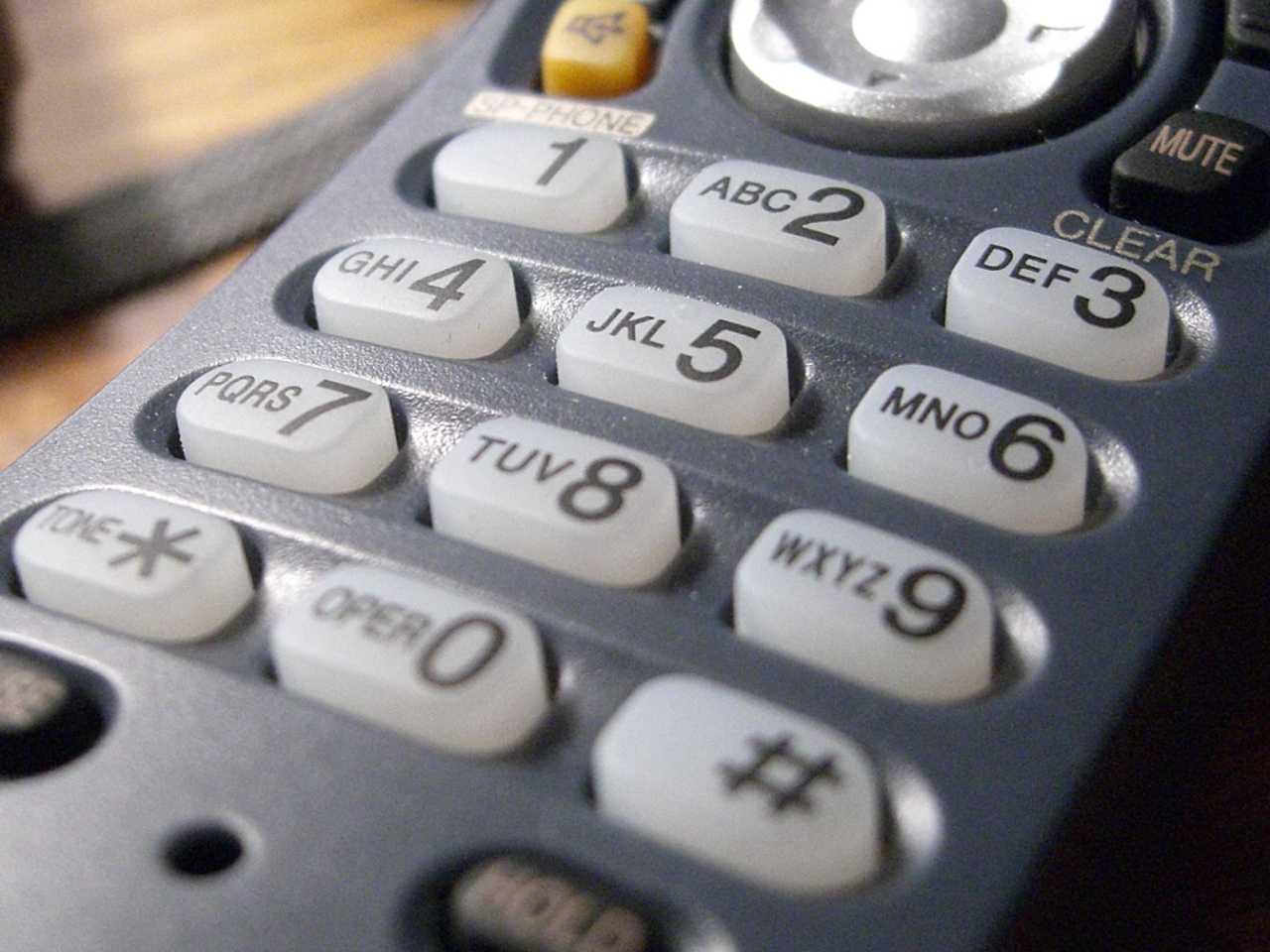
A table that summarizes the tones associated with each button on a touch tone phone is shown below.
This communication signaling is called dual tone multifrequency (DTMF) signaling.
Note that the last column is not used on a typical touch-tone phone (digits A, B, C, and D),
but can be used for data transmission.
Instructions
You are to generate an m-file called "song.m". When this file is executed it should play a song by
playing a sequence of DTMF tones in order.
As an example, the song "Marry had a Little
Lamb" is generated by playing the following sequence of tones in order:
4, 5, 6, 5, 6, 6, 6, 5, 5, 5, 6, 6, 6, 4, 5, 6, 5, 6, 6, 6, 4, 5, 5, 6, 5, 4
In the case of "Mary had a Little Lamb", to sound correctly I've found that
each number should have a duration of about 0.1 ms, and there should be a
space (silence) between each number of about 0.5 ms. Of course, these values can
be changed to suit one's musical tastes.
Matlab requirements
- Your song must have at least 20 numbers. Your song must not last longer than 1 minute.
- Use a sampling frequency of fs = 8000 KHz
- To generate a clean code, you must create and incorporate a function called
generate DTMF that will create a DTMF tone. The inputs to the function are
the digit, sampling frequency, and duration of the tone:
x = generateDTMF(digit, duration, fs)
The input values to the function are (1) digit, an integer
corresponding to the DTMF tone, (2) duration, the time duration
of the DTMF tone (in seconds), and (3) fs, the sampling frequency. The
output signal in the example above is x.
- Create a second function called GenerateSilence similar to
generate DTMF for creating the silent parts of the composition.
- Label and include clear comments in your code for maximum readability.
- Your entire musical composition should be saved as one long array
s. See the example code below for an example of how to merge two
arrays together to form a larger array.
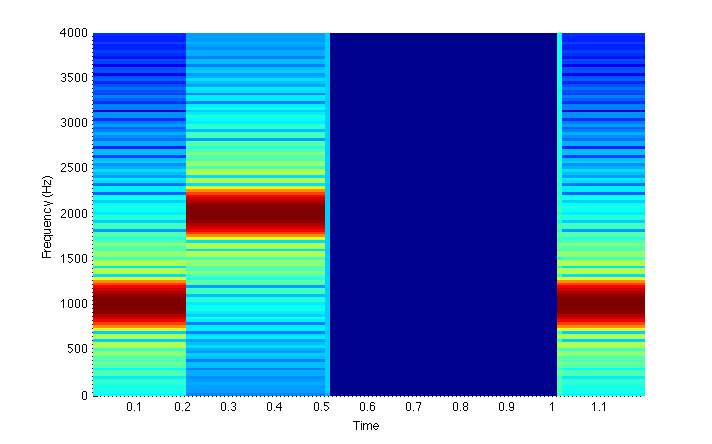
- Generate and display a spectrogram of the song using the MATLAB command:
spectrogram (this will be figure 1).
- You must demonstrate your song to me in class using the MATLAB command
soundsc at the date specified in the Blackboard shell.
- Once everything works, change the sampling frequency to fs = 4000 Hz, listen to the
song with the change, and generate the corresponding spectrogram (this will be figure 2).
Next change the sampling frequency to fs = 1000 Hz, and generate the corresponding spectrogram (this
will be figure 3).
In your code, comment on if the song sounds different for fs = 4000 Hz and fs = 1000 Hz.
Comment on why the song does or does not sound different for the two lower sampling rates.
Think about the Nyquist frequency.
What to turn in
- Save all your work in a single m-file called "song.m" and publish it as a single
PDF to upload to Blackboard. Make sure the functions
generateDTMF and GenerateSilence
are both local to the file song.m. To do this, you will need to turn your script into a function
that takes no argument. See the appendix at the bottom of this page for more details.
Submit your published PDF before the due date. If you write any other functions, include those as
well in your main m-file.
- To earn full credit, you must demonstrate your song at the time and date specified on Blackboard.